

New · Seedance 2.5 is live — 30-second single takes

Where ideas come to light in image and video

Moluri is an AI image and video generator — cinematic video from Seedance 2.5 and high-fidelity images from Nano Banana 2.1, in one workspace and one library.

  • Failed jobs fully refunded
  • Simple, transparent credits
  • Native audio in every video
  • Your library, on every device

Start creating

Pick a mode and bring your idea to life.

AI MusicComing soonAI VoiceoverComing soon
Seedance 2.5
Inspiration

Inspiration gallery

Real images and videos made on Moluri. Hit “Remix” to load the exact prompt and settings into the composer.

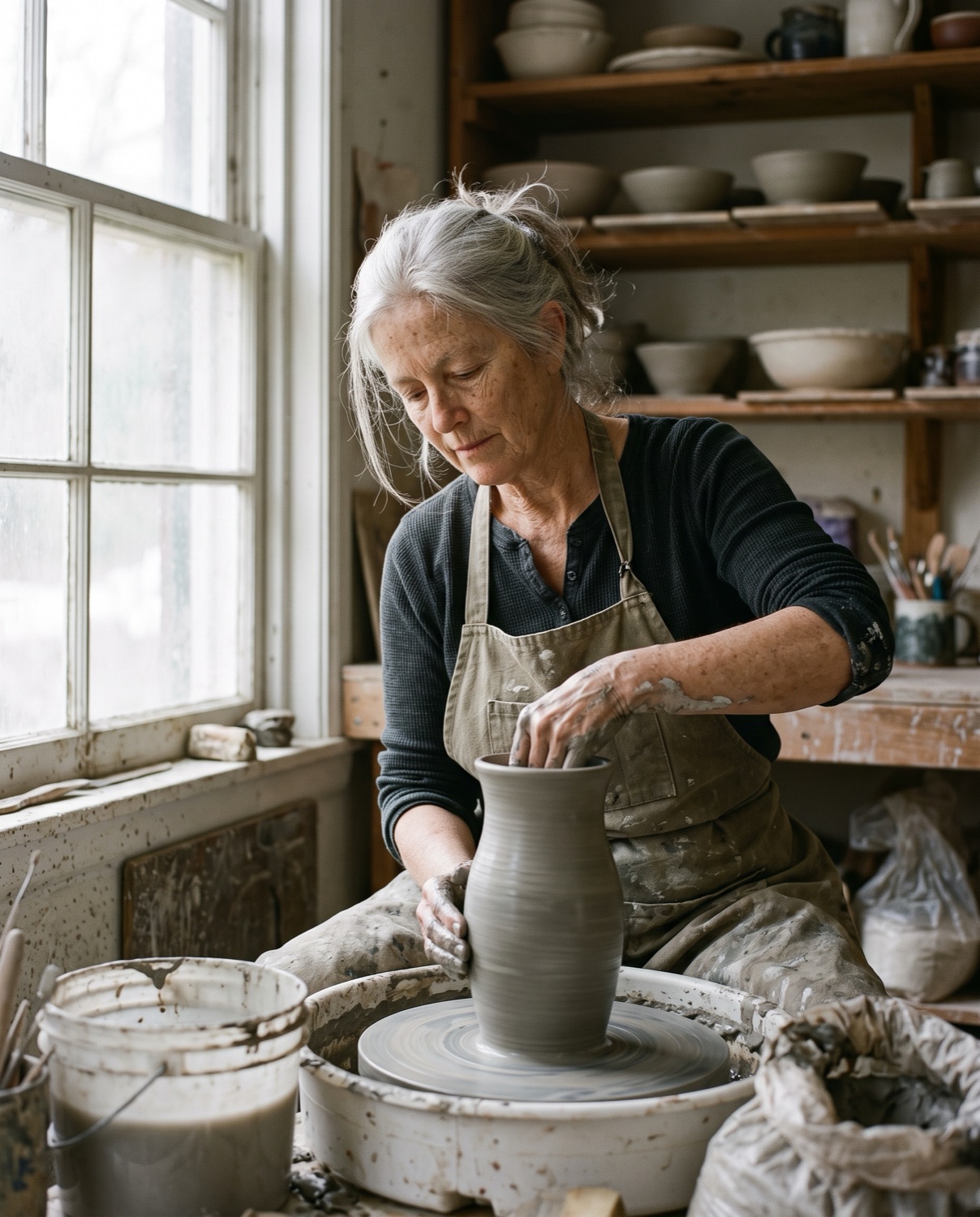
The Ceramicist — A candid documentary portrait of a ceramicist in her sixties at a pottery wheel in a small studio, shaping a tall vase.
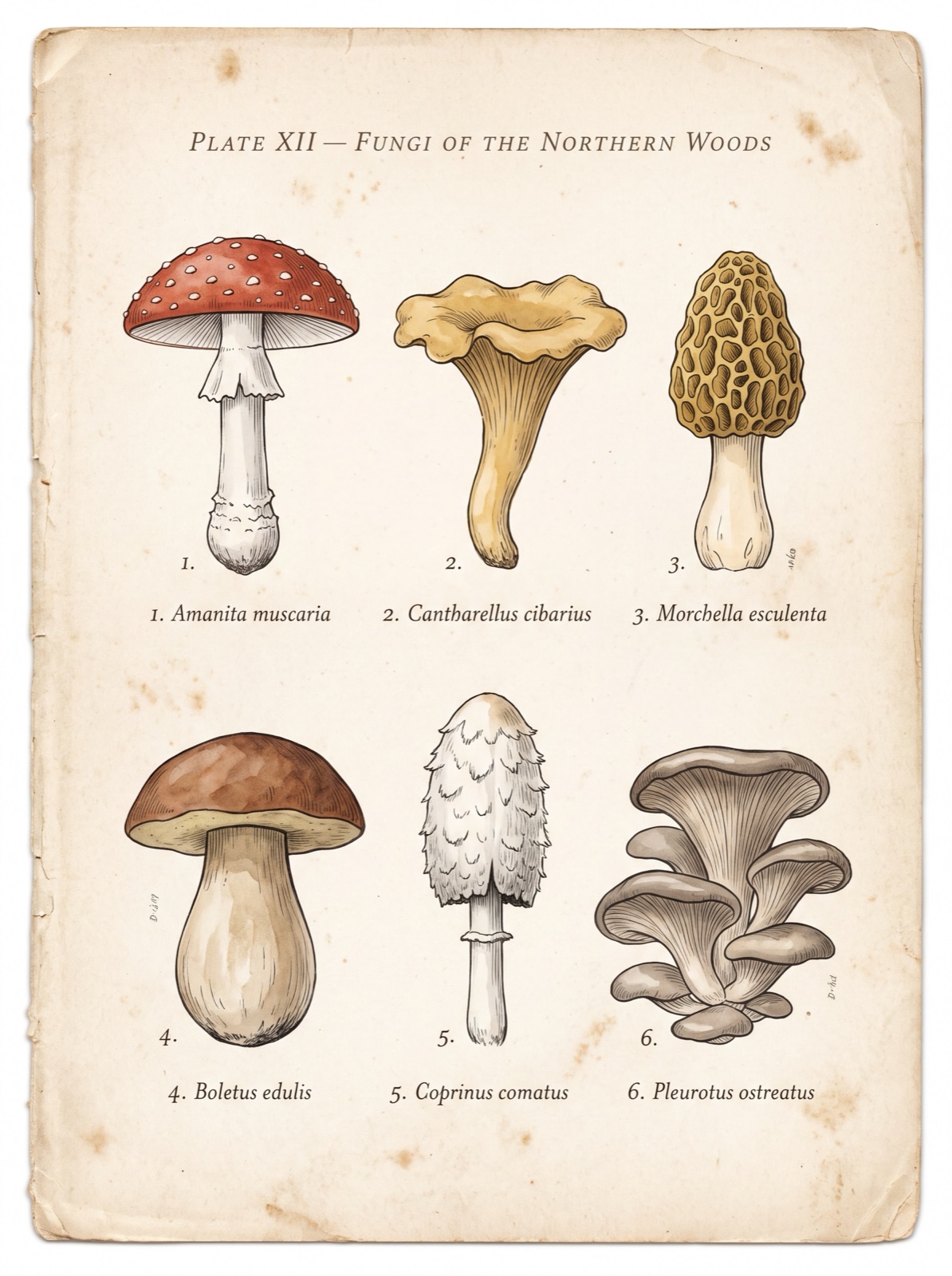
Mushroom Field Guide — A page from a vintage naturalist's field guide to mushrooms, printed on aged cream paper with faint foxing at the edges.
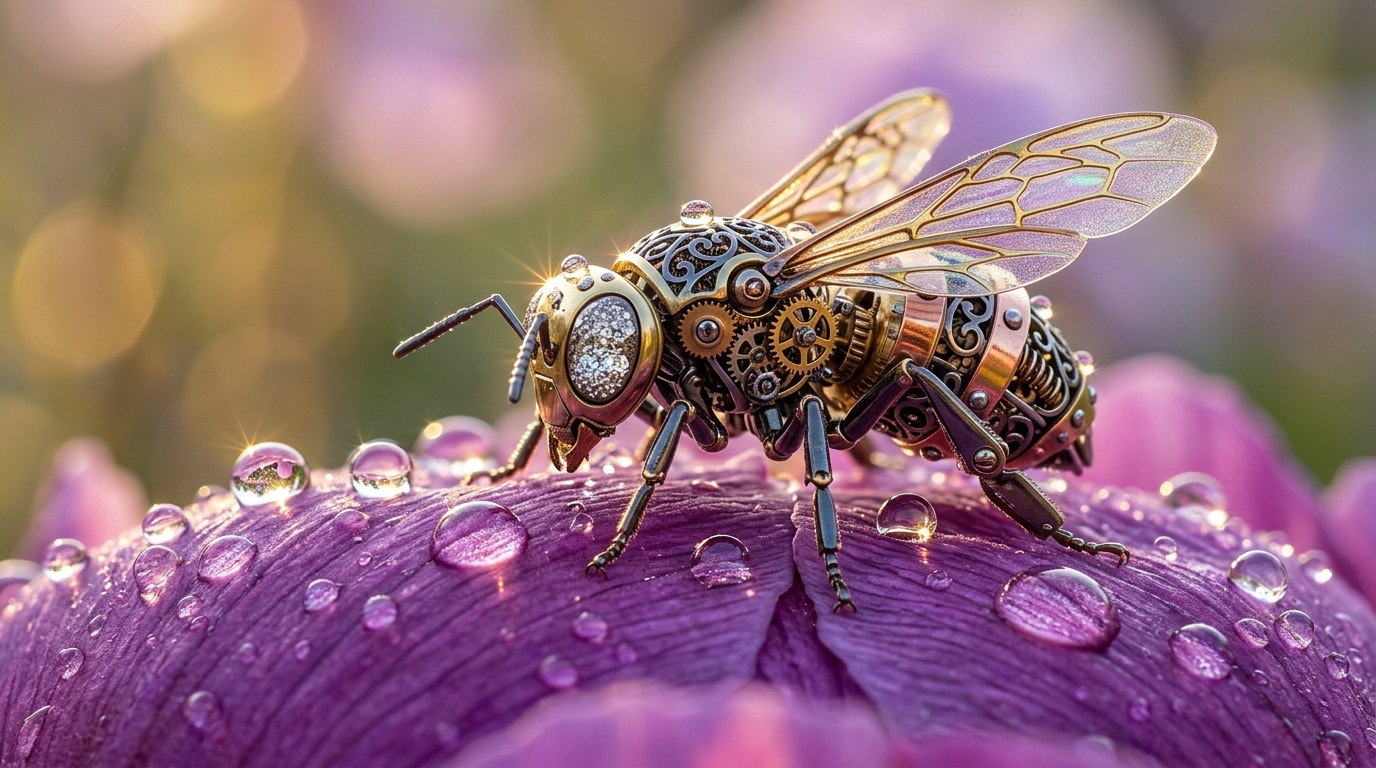
Mechanical Bee — Macro photograph of a fantastical mechanical bee resting on a dew-covered purple peony petal.
Lisbon Travel Poster — A vintage travel poster for Lisbon with the word “LISBON” in large, bold, cream-colored serif letters across the top and “Summer 2027” in smaller letters underneath.
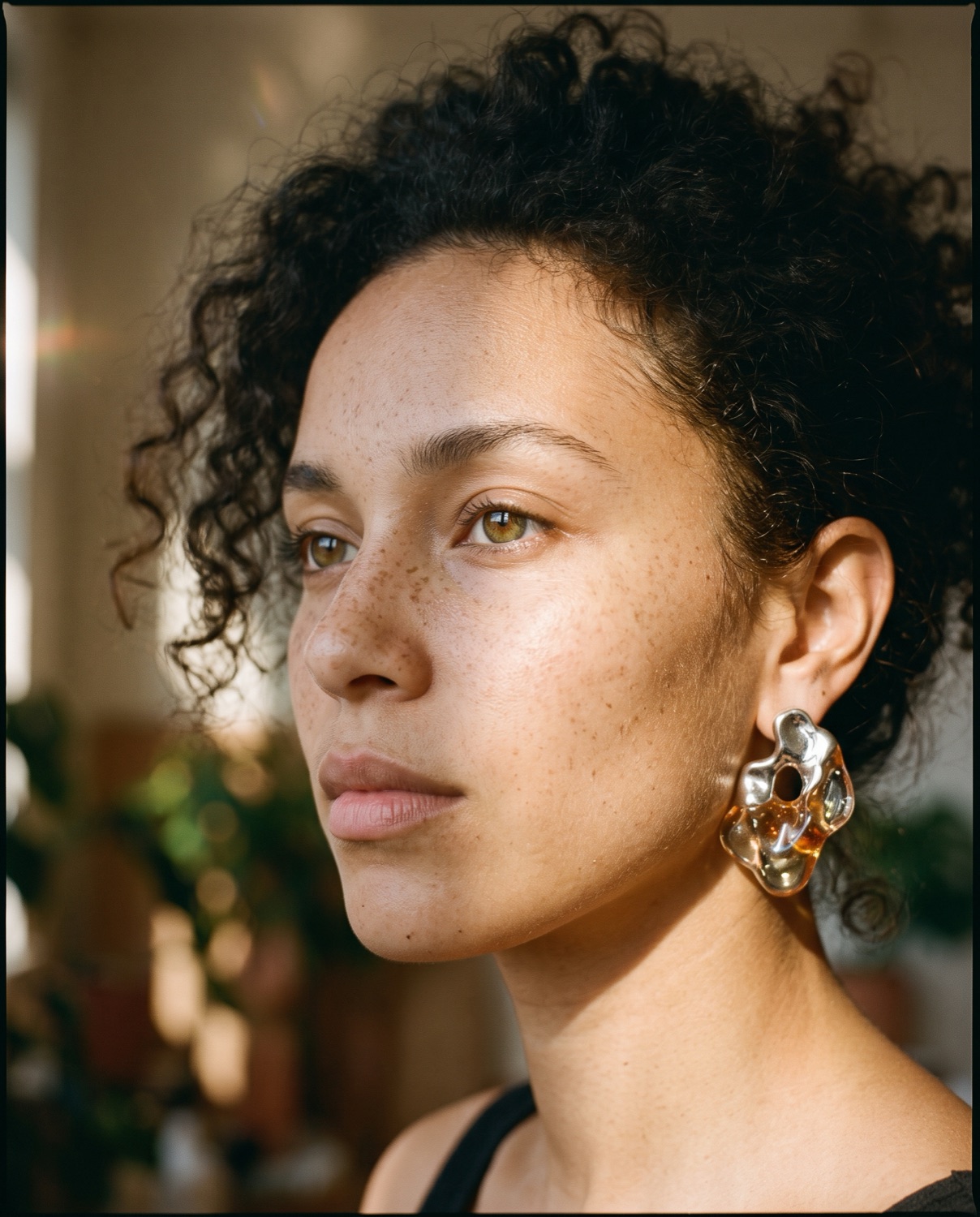
Freckled Editorial Portrait — Close-up editorial portrait of a diverse woman with sharp jawline and natural freckles, wearing avant-garde sculptural earrings made of translucent resin and molten silver.
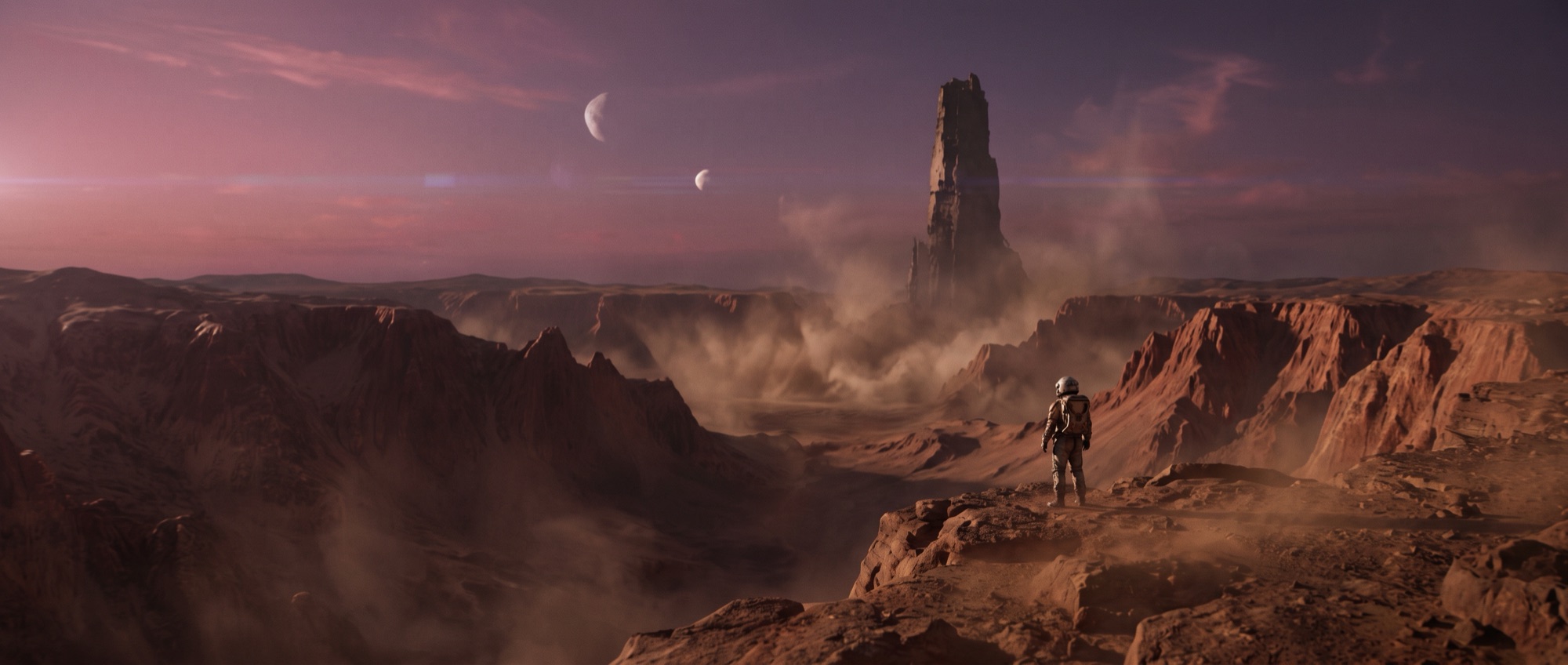
Astronaut on Mars — Cinematic 21:9 ultrawide shot.
Amber Serum Product Shot — A high-end product photo of an amber glass serum bottle with a gold dropper, standing on a wet slate stone among a few eucalyptus leaves and fine water droplets.
Platform

One platform for every kind of creation

Starting with video and images, growing into a complete AI creative suite.

Why all-in-one

Most AI tools do one thing: video lives here, images live there, and your assets end up scattered across browser tabs. Moluri takes the opposite path — every medium shares one workspace, one set of controls and one library.

An image made with Nano Banana 2.1 can become the first frame of a Seedance 2.5 video, and a draft you love upgrades to a 1080p final in one click. No gaps between tools — just one continuous creative flow.

FAQ

Frequently asked questions

Everything you might want to know about Moluri.

What is Moluri?

Moluri is an all-in-one AI studio for images and video. It brings the Seedance 2.5 video model and the Nano Banana 2.1 image model into one workspace, so you can go from idea to finished shot in one place — and every result lands in the same library.

How do credits work?

Every generation costs credits, and the composer shows the price before you hit Generate. Monthly plans refill your balance every billing cycle (unused credits don’t roll over). Video is priced by the actual compute it uses: we reserve an estimate when you submit and refund any difference once it finishes.

Am I charged if a generation fails?

No. If a job fails or is rejected, the credits go straight back to your balance — automatically, even if you have already closed the page.

How long are my creations kept?

Your library is saved to your account and synced across devices. Every image and video is kept until you delete it or close your account.

Can I use my creations commercially?

Yes, on any paid plan. Images and videos you create while subscribed can be used commercially — in ads, client projects, products and on social media — and they stay licensed even after you cancel. Creations made with free signup credits are for personal, non-commercial use. Either way, make sure your prompts and uploads don’t infringe anyone else’s rights, such as trademarks or a real person’s likeness.

What is draft mode?

Draft mode renders a low-cost 480p preview first. If you like it, click “Generate 1080p final” on the result card — the final keeps the draft’s prompt, references, duration and aspect ratio, so the shot stays consistent. Drafts can be upgraded for 7 days.

What’s the difference between first/last frame and references?

First/last frame uses your image as the opening frame (and optionally the closing frame) of the video, and the aspect ratio follows the image. References mode treats several images — plus optional videos and audio — as references for characters, outfits, camera moves or music; refer to them in your prompt as @image1, @video1, @audio1 and so on.

Start with a single idea today

Write one sentence. Get cinematic footage in minutes.